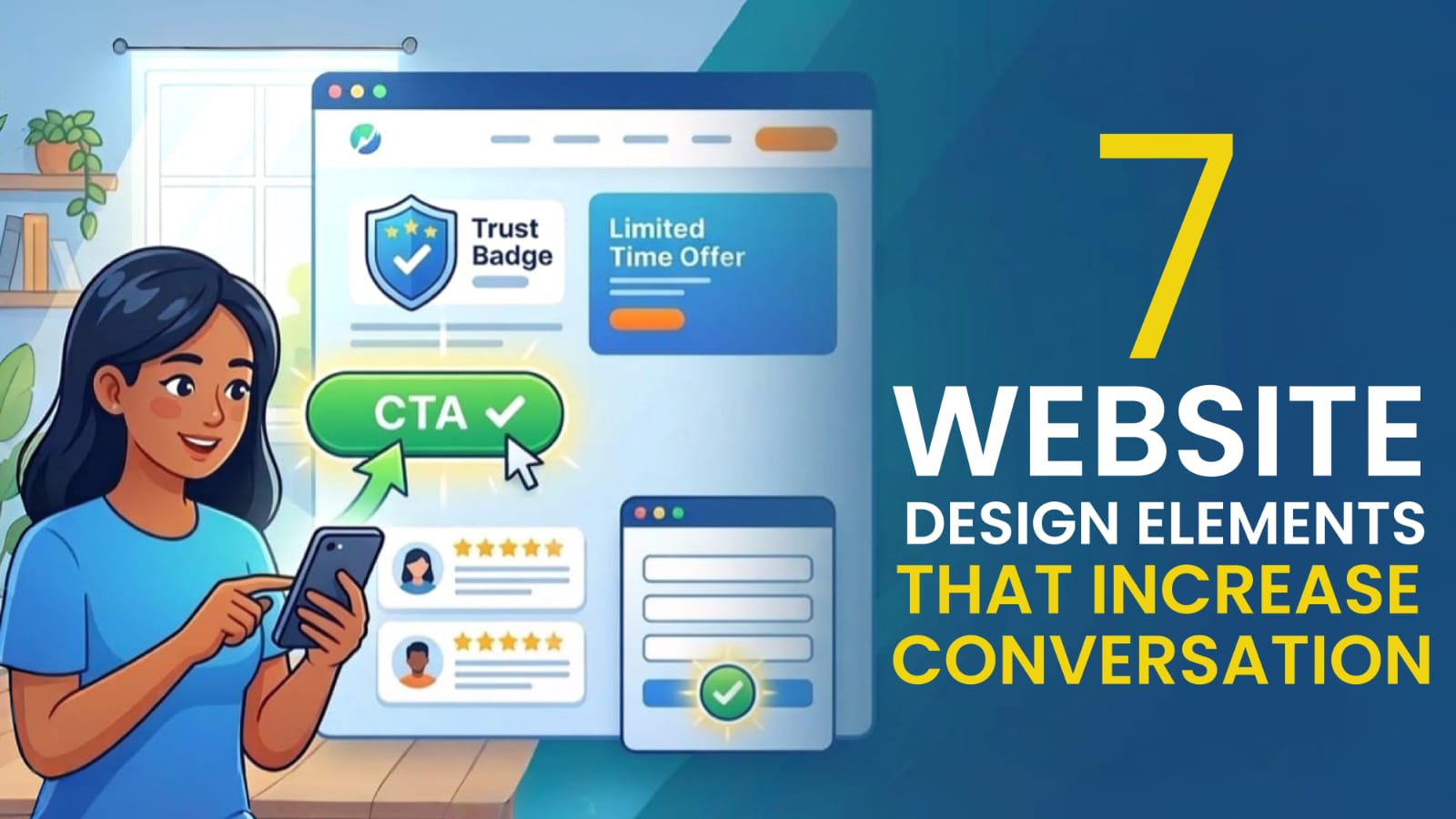
In today’s digital world, your website is more than just an online presence, it's your sales machine. Many businesses invest in websites but struggle with one major problem: visitors come, but they don’t convert. The reason is simple: your website might look good, but it’s not designed to drive action.
In this blog, we’ll break down seven powerful website design elements that can significantly increase your conversions and help turn visitors into customers.
Table of Contents
1. Clear and Compelling Call-to-Action (CTA)
Your website should always guide users on what to do next so they don’t feel lost. It should clearly communicate the next step, whether it’s contacting you, booking a service, or making a purchase.
Why it matters: If visitors are confused, they leave your website without taking action. A strong CTA creates clarity and guides users to take the next step.
Best Practices:
- Use action-driven words
- Make buttons visually distinct (color contrast)
- Place CTAs above the fold and throughout the page
👉 Example: A service website with a “Contact Us” button will convert less than one with “Get Your Free Website Audit Today.”
2. Fast Loading Speed
Speed directly impacts your website conversions. If your website takes more than 3 seconds to load, most users will leave before even seeing your content, which means lost opportunities and potential customers. Additionally, faster websites are favored by Google, helping you rank higher in search results and attract more traffic.
To improve your website speed, optimize your images, use clean and efficient code, choose reliable hosting, and avoid unnecessary animations that slow down performance. For example, an e-commerce website that loads in just 2 seconds will always perform better and convert more users compared to one that takes 6 seconds to load.
3. Mobile-Friendly Design
More than 70% of users browse websites on their mobile devices, making mobile-friendly design essential for conversions. If your website isn’t optimized for mobile, you’re automatically losing a large portion of potential customers, as users expect a smooth and effortless experience on smaller screens.
A mobile-friendly website includes a responsive layout, easy navigation, properly sized clickable buttons, and fast loading speed on mobile networks. For example, if a user has to zoom in or struggle to click buttons, they are likely to leave your website immediately, resulting in lost leads and lower conversions.
4. Simple and Clean Layout
Less is more when it comes to website design, as a clean and simple layout helps users focus better. Too many elements can confuse visitors and reduce your chances of conversion.
Why it matters: A cluttered website overwhelms users and makes it difficult for them to find what they need. It also reduces trust, making your business look unprofessional and unreliable.
What a clean layout includes:
- Proper spacing
- Limited colors
- Clear sections
- Easy-to-read fonts
👉 Example: A landing page with too many offers will confuse users, while a focused page with one offer converts better.
5. Strong Visual Hierarchy
Visual hierarchy helps guide users’ attention to the most important parts of your website. Since most users don’t read every word and instead scan the page, a clear structure makes it easier for them to quickly understand your message.
To create an effective visual hierarchy, use larger fonts for headings, highlight key content, apply contrasting colors to important elements, and break your content into well-organized sections. This improves readability and naturally directs users toward your main message and CTA.
👉 Example: Headlines → Subheadings → Bullet points → CTA. This flow helps users understand quickly and take action.
6. Trust Signals and Social Proof
People trust people, not just brands or websites. Seeing real experiences and feedback from others makes your business feel more genuine and reliable.
Why it matters: Visitors are more likely to take action when they trust your business and feel confident in your credibility. Strong trust signals reassure them that they’re making the right decision.
Examples of trust elements:
- Client testimonials
- Google reviews
- Case studies
- Client logos
- Certifications
👉 Example: “Trusted by 100+ Businesses” + real reviews = higher conversions.
7. Easy Navigation
If users can’t find what they need quickly, they won’t stay on your website. Simple and intuitive navigation ensures visitors can easily explore your site and take action without confusion.
Good navigation improves user experience, keeps visitors engaged, and increases the chances of conversion. To achieve this, keep your menu simple (5–7 items max), use clear labels like Home, Services, and Contact, add a sticky header for easy access, and include a search option if your website has more content.
👉 Example: A complicated menu reduces conversions, while a simple structure increases user flow.
Bonus Tip: Use High-Quality Images & Content
Your visuals and content should instantly show the value you offer to users. Within seconds, visitors should understand what you do and why it matters to them.
What works best:
- Real images (not generic stock photos)
- Clear headlines
- Benefit-driven content
- Short paragraphs
👉 Example: Instead of saying “We provide web solutions”, say “We help businesses get more leads through high-converting websites.”
Conclusion
A high-converting website is not just about design, it’s about strategy. By focusing on clear CTAs, fast loading speed, mobile optimization, clean layout, strong visual hierarchy, trust signals, and easy navigation, you can create a seamless user experience that guides visitors toward action and turns your website into a powerful lead generation tool.
Ready to Turn Your Website into a Conversion Machine? 🚀
At Rapid Base Design (RBD), we don’t just build websites. We create high-performing digital assets that help your business grow.
👉 Get in touch with Rapid Base Design today and start growing your business online.